v1.0 MT5 Trading Assistant for Windows

Multi-timeframe timing dashboard for CALL, PUT or WAIT decisions.

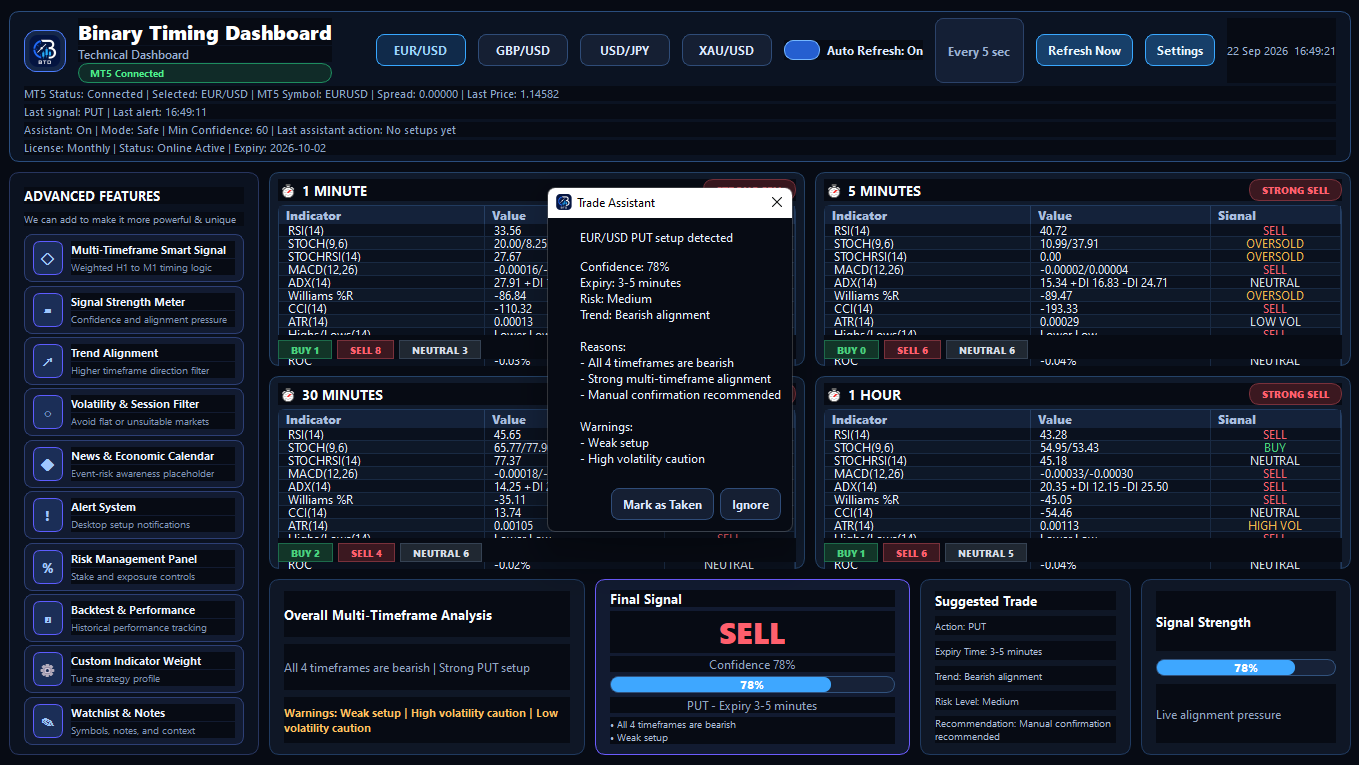
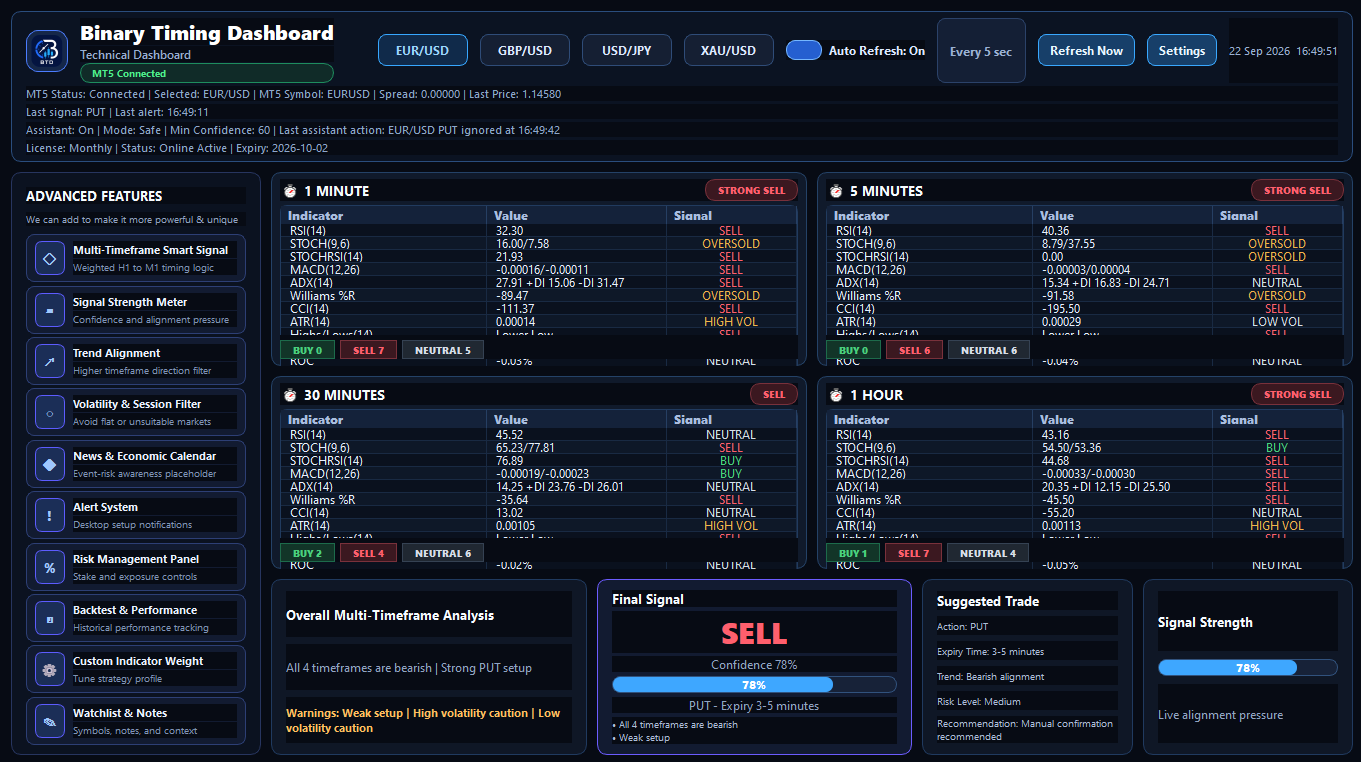
Binary Timing Dashboard connects to MetaTrader 5 and helps you monitor M1, M5, M30 and H1 direction in one clear desktop dashboard. It is built to support timing decisions without switching between charts again and again.

✓ Secure checkout
✓ License email delivery
✓ Windows installer
Binary Timing Dashboard
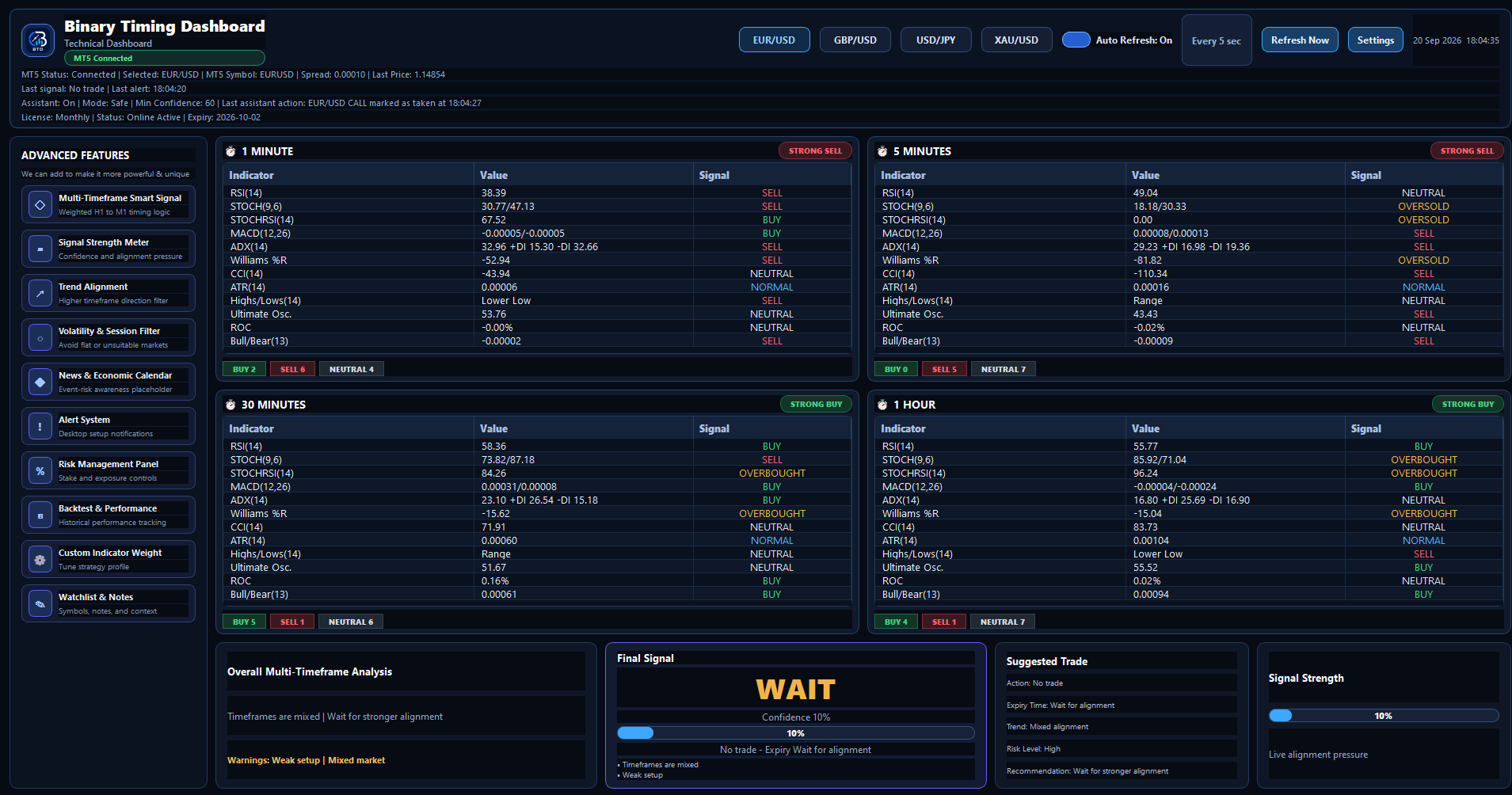
Binary Timing Dashboard desktop app screenshot

Trading timing becomes messy when you watch too many charts manually.

When M1, M5, M30 and H1 are checked separately, it is easy to miss the bigger picture. BTD brings the important timeframe view into one place so you can decide with better structure.

⚠

It is hard to track multiple MT5 timeframes at the same time.

⚠

Short-term movement can conflict with higher timeframe direction.

⚠

Fast movement can make you rush into a setup without clear confirmation.

Built for clear trading decisions

BTD is a manual trading assistant. It does not trade for you. It helps you read the timing setup clearly before you decide.

📊

Multi-timeframe dashboard

View M1, M5, M30 and H1 direction from one unified desktop dashboard.

🔌

Live MT5 connection

Uses market data from your local MetaTrader 5 installation while MT5 is open and connected.

🎯

CALL / PUT / WAIT assistant

Shows a final assistant output with direction, signal strength and suggested expiry timing.

⚡

Refresh controls

Use Refresh Now or Auto Refresh while monitoring market movement.

🔐

Online license activation

Buyers receive a license key by email and activate the Windows app online.

💻

Windows desktop app

Normal Windows installer, desktop shortcut and clean activation flow.

How it works

Install the app, open MT5, activate your license and use the dashboard while you monitor the market.

1

Install BTD

Download and install Binary Timing Dashboard on your Windows PC.

2

Open MetaTrader 5

Keep MT5 installed, logged in and connected so BTD can read market data.

3

Activate and monitor

Enter your license key, select your symbol and use BTD as a timing assistant.

Choose your plan

Start monthly, save with yearly, or choose lifetime access.

Monthly

$15 /month
  • ✓Full BTD dashboard access
  • ✓Online license activation
  • ✓Windows installer
  • ✓Email support
Buy Monthly
Best Value

Yearly

$140 /year
  • ✓Full BTD dashboard access
  • ✓Save compared to monthly
  • ✓Online license activation
  • ✓Email support
Buy Yearly

Lifetime

$199 /one-time
  • ✓Lifetime BTD access
  • ✓Online license activation
  • ✓Windows installer
  • ✓Email support
Buy Lifetime

Requirements

Before buying, please make sure you have:

  • ✓ Windows PC
  • ✓ MetaTrader 5 installed
  • ✓ Internet connection for activation
  • ✓ MT5 account connected and receiving market data

⚠ Important risk notice

Binary Timing Dashboard is a trading assistant tool only. It does not execute trades, place orders on your behalf, provide financial advice or guarantee profitability. Trading involves risk. You are responsible for your own trading decisions and risk management.

FAQ

Quick answers before you buy.

No. BTD is a manual trading assistant. It does not open or close trades for you.

Yes. BTD uses market data from MetaTrader 5, so MT5 must be installed, open and connected.

It is designed around timing-style CALL / PUT / WAIT decisions, but traders may also use it to support general market direction analysis.

You receive a license key and download link by email. Install the app, enter your license key and activate online.

You need internet for license activation and MT5 also needs connection to receive market data.

Email [email protected] for installation, activation or MT5 connection support.

Start using Binary Timing Dashboard

Choose a plan, install the Windows app, connect MT5 and use BTD as your multi-timeframe trading assistant.